Meeting Mode
An invisible teleprompter — hidden from everyone but you
Not dimmed, not semi-transparent, not tucked in a corner and hoped for the best. In Meeting Mode, Lumi's script is excluded from screen shares and recordings on Zoom, Google Meet, and Microsoft Teams — the feed everyone else receives is rendered without it.
One-time payment · or $9/mo subscription · macOS, Windows & Web
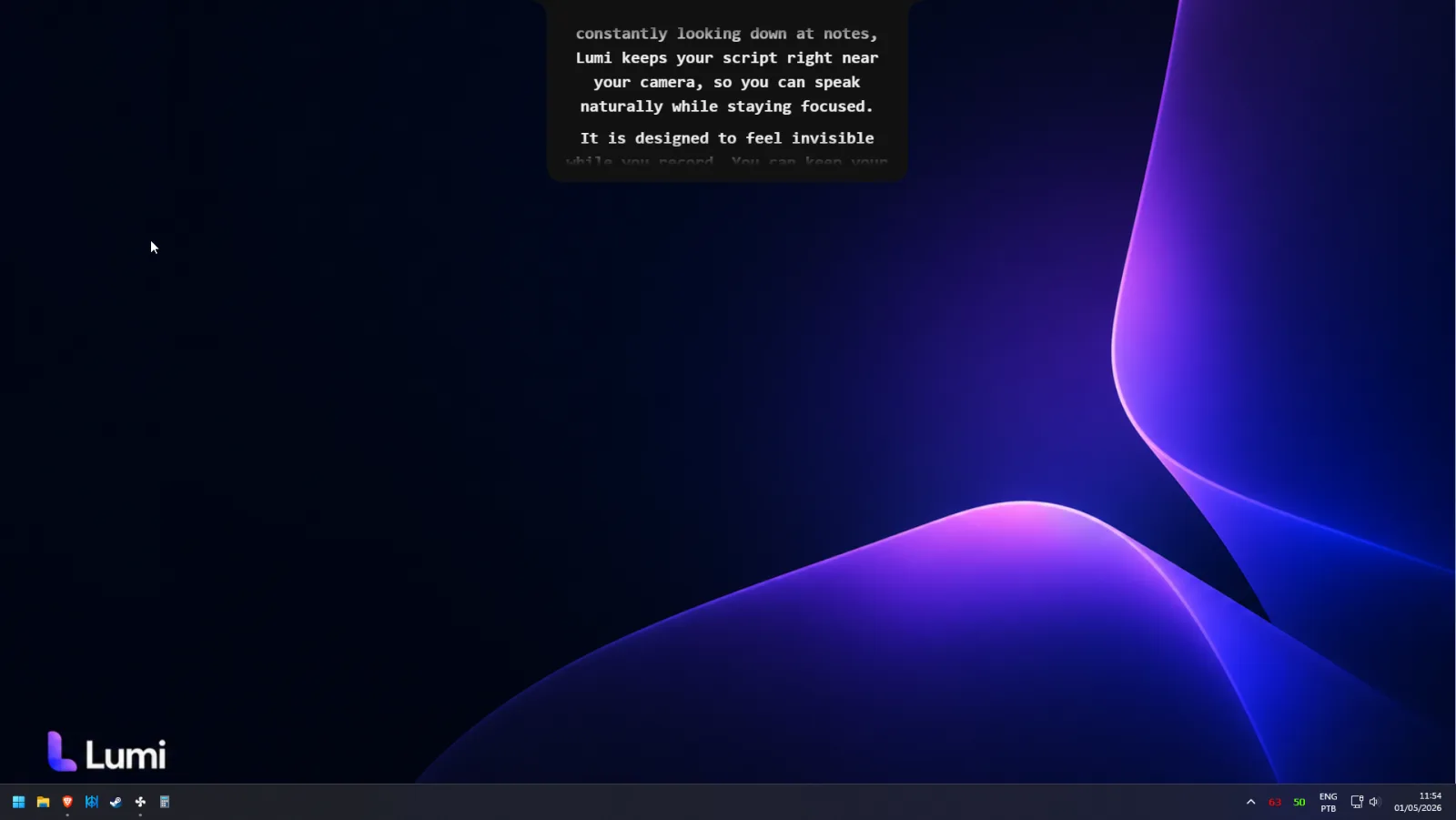
'Transparent' is not the same as invisible
Most so-called hidden teleprompters are really just semi-transparent overlays. They lower the opacity of a floating window so the text looks subtle on your monitor — but screen capture doesn't care about opacity. If the window is part of your screen's output, a screen share or a recording can pick it up, faded text and all. One curious participant zooming into the replay, and your “private” notes are public.
A genuinely invisible teleprompter works at a different level: the script window is excluded from the capture itself. The video feed that leaves your computer is composed without it. There is nothing to fade, nothing to hide behind your slides, nothing to accidentally reveal — the pixels simply aren't in the stream.
That's what Lumi's Meeting Mode does on Zoom, Google Meet, and Microsoft Teams. Your script exists only on your physical display, positioned near your camera so reading looks like eye contact.
What you see vs. what they see
The easiest way to understand the difference is to compare both sides of the call:
| What you see | What they see | |
|---|---|---|
| Your script | Right under your camera | Not in the feed |
| Scrolling text | Follows your voice | No |
| Shared slides / screen | Yes | Clean, exactly as intended |
| In the recording | Never captured | Never captured |
Participants get a clean screen share. Cloud and local recordings capture the participant view, so the replay is clean too. You get a full script in your natural line of sight — and because FlowPrompt follows your voice, the text pauses when you stop to take a question and resumes exactly where you left off.
Where the invisibility is guaranteed — and where it isn't
- Zoom — officially supported. Share a window or your full screen; the script stays out of the share and out of cloud and local recordings. See the Zoom setup.
- Google Meet — officially supported, including Meet in the browser. See the Google Meet setup.
- Microsoft Teams — officially supported, a natural fit with Lumi's native Windows app. See the Teams setup.
- OBS, Loom, and other recorders — not officially supported. We only promise invisibility where we test and guarantee it: Zoom, Meet, and Teams. If another tool matters to you, verify it yourself with your own setup rather than assuming.
Meeting Mode is a desktop feature, available in the Lumi app for macOS 13+ and Windows 10+. Your scripts stay local on your machine — they are never uploaded to a server, which matters when your notes contain pricing, legal language, or anything else you'd rather not have floating in the cloud.
Why people search for a teleprompter only they can see
The searches all describe the same fear from different angles: hidden teleprompter, teleprompter that doesn't show in recording, private teleprompter overlay, teleprompter only I can see. Behind each one is a person who has either been burned or watched someone else get burned — the sales engineer whose objection-handling cheat sheet appeared in the demo recording, the lecturer whose speaker notes were visible to two hundred students, the founder who shared the wrong window during a board update.
Notes on a shared screen aren't just embarrassing; they undermine the entire point of preparing. The moment your audience sees the script, everything you say afterwards sounds scripted. An invisible teleprompter removes that failure mode structurally: there is no wrong window to share, because the script was never shareable in the first place.
And since Lumi is also a recorder, the same private script works when there's no meeting at all — record talking-head videos with the script beside your lens and nothing burned into the footage. More on that in Lumi as a teleprompter for video recording.
Frequently asked questions
Will my teleprompter show up in the meeting recording?+
What's the difference between a transparent teleprompter and an invisible one?+
Does it stay hidden if I share my entire screen, not just a window?+
Does the invisible mode work with OBS, Loom, or other screen recorders?+
Can the other people on the call tell I'm using a teleprompter?+
What does an invisible teleprompter cost?+
Your script. Your eyes only.
Get Meeting Mode — invisible on screen shares and recordings in Zoom, Google Meet, and Teams.
One-time payment, yours forever · or $9/mo subscription