For sales teams & founders
Invisible notes for the calls where every word costs money
A YouTube video gets a second take. A sales call doesn't. Fumble the pricing explanation, skip a differentiator, or forget to book the next step, and that revenue is gone. Lumi puts your talk track on screen — invisible to the client, even while you share your demo.
One-time payment · or $9/mo subscription · macOS, Windows & Web
Live selling punishes improvisation
Most reps and founders know their product cold and still leave money on calls. Under pressure, the value proposition comes out 70% complete: the ROI framing gets skipped, the objection response comes out weaker than the version you wrote last week, and the call ends with a vague "I'll send some info" instead of a booked next step.
The old workarounds all leak. Sticky notes hold six words. A second monitor drags your eyes visibly sideways. A printed sheet is useless the moment the conversation moves. And the classic notes-behind-the-window trick dies the instant you share your screen for the demo — which is exactly when the highest-stakes talking happens.
What live selling actually needs is a script that stays at your eyeline, follows the conversation, and never appears on the client's side of the call.
What Lumi changes on a live call
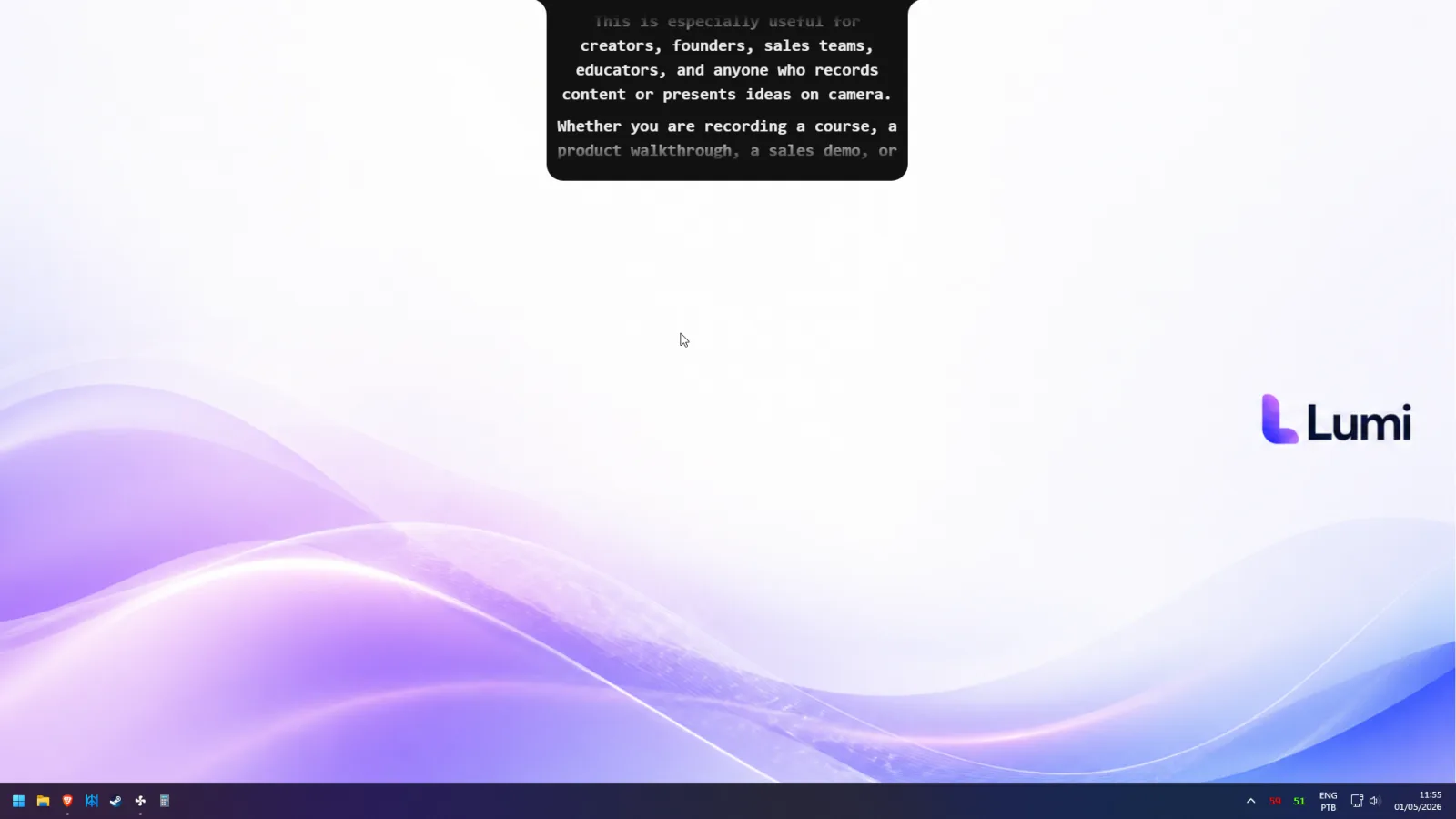
- Meeting Mode hides the script — even on a shared screen. On Zoom, Google Meet, and Microsoft Teams, the overlay is visible only to you. Share your product for the demo and your talk track floats over it, invisible in the share and in the recording.
- FlowPrompt survives interruptions. Calls never follow the script linearly. When the prospect jumps in with a question, the script pauses with you — answer, handle the tangent, and pick up your pitch exactly where you left it. No frantic scrolling to find your place.
- The full value prop gets said, every call. When the pitch is written down, nothing depends on recall at call number five of the day. Pricing framing, proof points, and the closing question show up in the same order, every time.
- One pitch across the whole team. Founders and SDRs can run from the same approved script, so the message a prospect hears doesn't depend on which rep picked up the call.
- Recorded outreach, too. Lumi includes a recorder, so prospecting videos and async proposal walkthroughs get the same on-script, eyes-on-lens treatment as live calls.
Set up once, run every call on rails
- 1
Turn your playbook into call scripts
Discovery questions, demo talk track, objection responses, pricing language, closing lines — one document per call type, written the way your best call sounded.
- 2
Open Lumi before the meeting
Paste the right script, position the overlay near your camera, and join the Zoom, Meet, or Teams call with Meeting Mode on. The client sees you and your demo — nothing else.
- 3
Sell — and let the script keep up
Speak naturally; FlowPrompt tracks your voice. Detours, questions, and small talk cost nothing, because the script waits and resumes with you.
Ways to keep notes on a sales call — compared
| Lumi | Second monitor | Doc behind the call window | |
|---|---|---|---|
| Hidden during screen share | Meeting Mode | But eyes drift off-camera | Exposed the moment you share |
| Eye contact with the client | Yes | No | No |
| Recovers from interruptions | Pauses and resumes | Manual scrolling | You lose your place |
| Clean call recordings | Yes | Yes | Visible if shared |
| Holds a full talk track | Yes | Yes | Yes |
Founders, SDRs, account managers — same problem, same fix
A founder selling their own product uses Lumi to sound as sharp on demo twelve as on demo one. An SDR team uses it to keep messaging consistent without months of ramp. An account manager walks renewal numbers with the exact approved wording. And anyone doing video prospecting records outreach in one take instead of five, with the recorder built into the same app.
The mechanics of your setup live on the integration pages — how Meeting Mode works on Zoom and on Microsoft Teams — and both come down to the same promise: your script is there when the money question comes, and nobody else ever sees it.
What Lumi users say
Emma Sullivan
Sales trainer · B2B
Marcus Rivera
Account Executive · SaaS
Frequently asked questions
Can the client tell I'm reading?+
Does it stay hidden while I'm screen sharing my demo?+
We record our calls for coaching. Will the script appear in recordings?+
Should I load a full script or just bullet points for a sales call?+
I run five or six calls a day. Is switching scripts painful?+
What does Lumi cost for a sales team or a founder?+
Walk into your next call with the whole pitch on screen
Get Lumi — load your talk track, share your demo, and watch nothing slip through the cracks.
One-time payment, yours forever · or $9/mo subscription