Teleprompter + Recorder
A teleprompter app that helps you record naturally
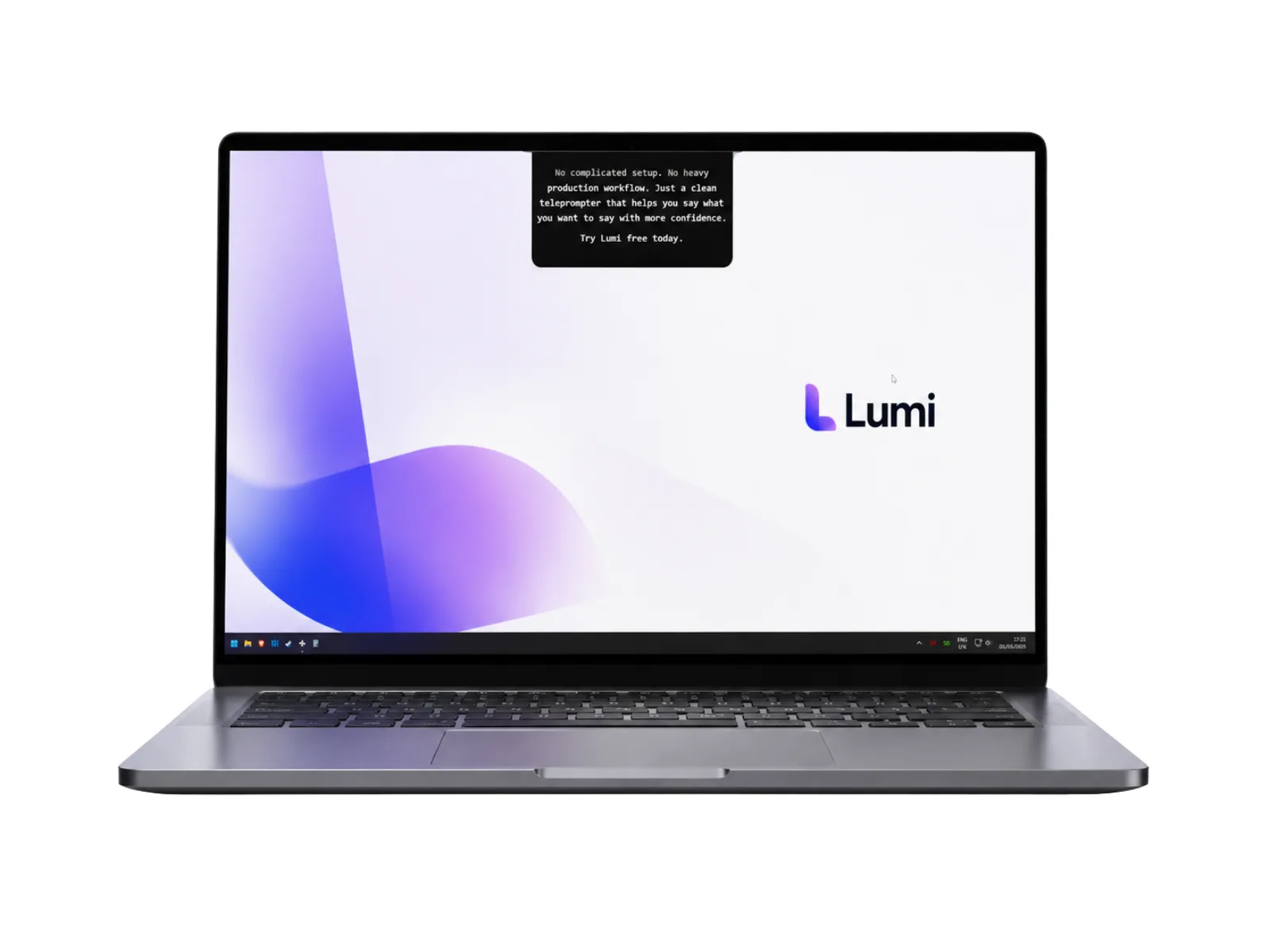
Lumi puts a voice-following teleprompter and a video recorder in one desktop app for Mac and Windows. Read your script, look at the camera, and stop burning an afternoon on retakes.
One-time payment · or $9/mo subscription · macOS, Windows & Web
Why recording to camera feels so hard
You know your topic. You wrote a good script. And then the red light comes on and everything falls apart: you forget the next line, restart the sentence, glance down at your notes, and by take nine the energy is gone. Lumi's founder built the app after routinely recording twelve takes to get one usable video — not because he didn't know what to say, but because remembering and performing at the same time is genuinely hard.
A teleprompter app solves the memory half of that problem. Instead of memorizing, you read — from text positioned close enough to your camera that viewers only see you talking to them. The catch is that most teleprompter software scrolls on a fixed timer, which trades one problem for another: now you're racing the scroll instead of racing your memory.
What makes Lumi different
Lumi is professional teleprompter software built around three ideas that most tools in the category treat as separate products:
- FlowPrompt™ — the script follows you. Lumi listens to your voice and scrolls at your speaking pace. Pause to think and the text waits; resume and it picks up exactly where you stopped. No foot pedal, no timer anxiety.
- A video recorder in the same app. Lumi is a teleprompter with video recording built in — you don't need to juggle a separate camera app while the prompter runs in another window.
- Meeting Mode for live calls. On the desktop app, your script stays invisible in screen shares and recordings on Zoom, Google Meet, and Microsoft Teams — read your notes while everyone else sees a clean screen.
- Private by design. Scripts live on your device and never touch a server. The desktop app works completely offline.
That's the whole product. No AI editing suite, no caption generator, no mobile app trying to do twelve things — a computer teleprompter that helps you deliver your own words well.
Desktop app vs. mobile apps vs. web-only tools
The teleprompter category splits into three approaches, and which one fits depends on where you actually record. If your camera is your webcam and your work happens on a laptop, a desktop teleprompter is the natural fit:
| Desktop app (Lumi) | Mobile apps | Web-only tools | |
|---|---|---|---|
| Prompter next to your webcam | Yes | Phone screen only | Yes |
| Works offline | Desktop app | Usually | Needs a connection |
| Hidden on Zoom/Meet/Teams shares | Meeting Mode | No | Overlay is shareable |
| Voice-following scroll | FlowPrompt | On some apps, often paid tiers | Varies |
| Built-in video recorder | Yes | Phone camera | Usually prompt-only |
| Scripts stay on your device | Yes | Often cloud-synced | Stored in the cloud |
Mobile teleprompter apps are great when you film with your phone. Web tools are convenient for a quick one-off read. But if you present from a laptop — recordings, courses, sales calls, video messages — a teleprompter for laptop use that sits at camera height and survives a screen share is the tool you'll actually keep using.
Who Lumi is for
Creators and educators who record talking-head videos, courses, or YouTube content and are tired of the take-after-take grind. Founders and marketers who need to sound sharp in product demos, sales videos, and Looms-of-the-week. Professionals on video calls who want their talking points at eye level instead of on a second monitor. And anyone presenting in a second language, where having the exact phrasing in front of you changes everything.
If your main stage is a specific platform, we've covered those setups in detail: Lumi on Mac and Lumi on Windows PC.
Get your first natural take in 3 steps
- 1
Install Lumi and paste your script
Download the app for macOS 13+ or Windows 10+ (or open the web version in your browser). Paste a full script or just bullet points — Lumi prompts whatever you give it.
- 2
Position the prompter at camera height
Drag the teleprompter window right under your webcam and pick a comfortable font size. The closer the text sits to the lens, the more it reads as eye contact.
- 3
Hit record and just talk
FlowPrompt scrolls as you speak and waits when you don't. Record with Lumi's built-in recorder, or run it alongside your meeting app with Meeting Mode on.
What Lumi users say
Camila Reyes
Personal brand coach
Jordan Walsh
Course creator · marketing
Frequently asked questions
What is a teleprompter app, exactly?+
Does the teleprompter scroll automatically?+
Which computers does Lumi run on?+
Can I use it on video calls without others seeing my script?+
Do my scripts get uploaded anywhere?+
How much does the app cost?+
One app. One take. Done.
Get the full teleprompter and recorder for $27 once — on Mac, Windows, or the web — and see what recording feels like when the script keeps up with you.
One-time payment, yours forever · or $9/mo subscription