Record + prompt
A teleprompter app with video recording built in
Not a video suite with a prompter bolted on. Lumi is a recording experience designed around one job: keep your script at your eye line, keep the take moving, and cut the number of times you say 'okay, one more time.'
One-time payment · or $9/mo subscription · macOS, Windows & Web
The two-app problem
Here's how most people record scripted video: a teleprompter web page in one window, a camera or recorder in another. Then the choreography begins — start the recorder, click over to the prompter, hope the scroll speed you guessed is right, and restart everything when it isn't. Every stumble means stopping two apps, rewinding one, and re-arming the other. The friction isn't in the reading; it's in the plumbing.
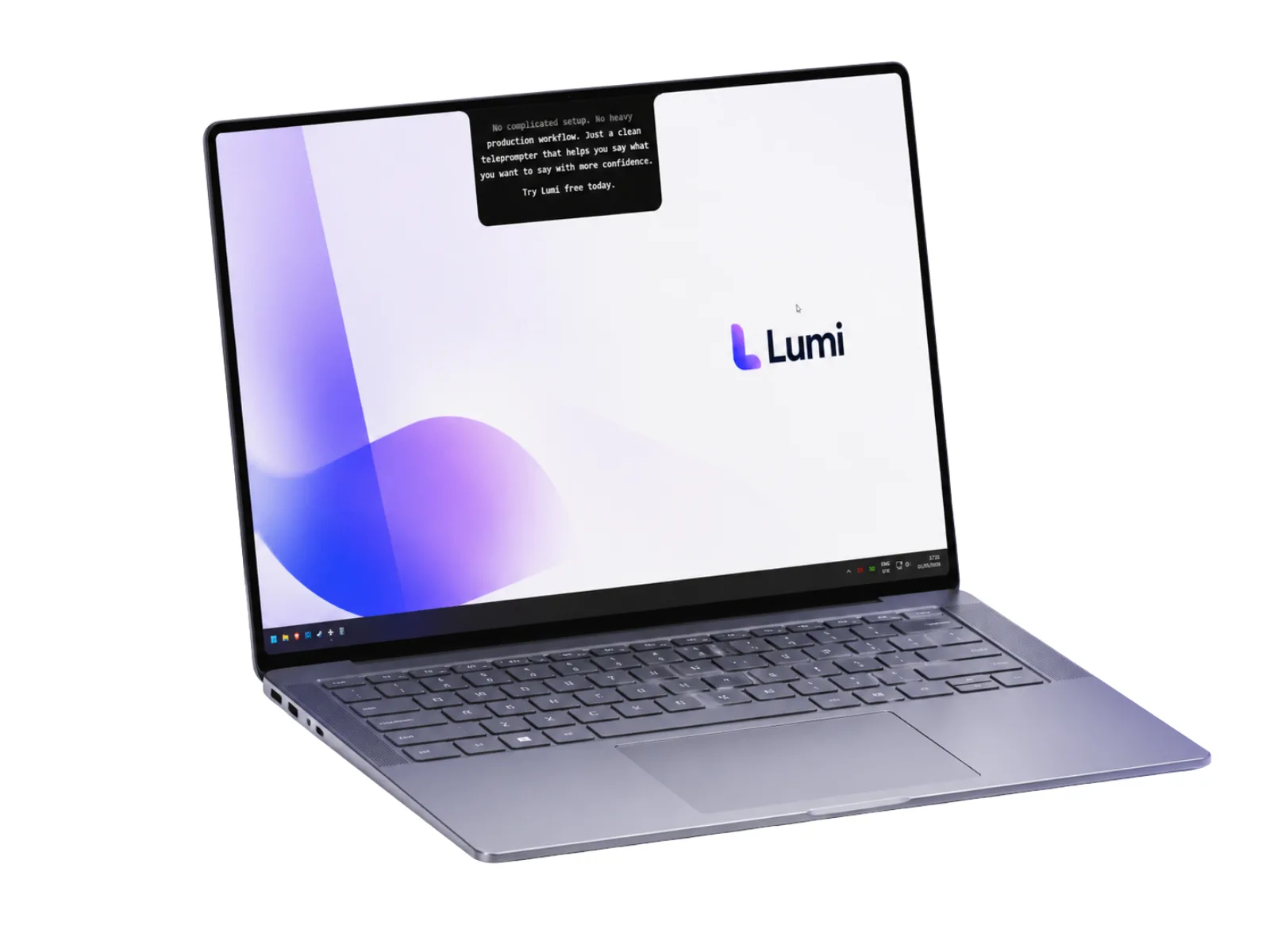
A teleprompter and recorder in one app collapses that whole dance. In Lumi, the script and the recording share a single workspace: one button starts the take, and the text sits where your eyes already are — at the camera. When you flub a line, you're one action away from going again, not five.
Not another all-in-one video suite
The other direction the market went is the mega-suite: apps like BIGVU and Teleprompter.com stack a prompter on top of editing timelines, AI captions, auto-cut tools, and template libraries. If you want an end-to-end video factory, those exist. But if what you actually need is to read a script and record yourself well, you're paying — in money, learning curve, and interface clutter — for an editor you may never open.
Lumi takes the opposite bet: do the recording moment extremely well and nothing else.
- Prompting that adapts to you. FlowPrompt follows your voice — it never rushes ahead, pauses when you pause, and resumes from where you stopped. No scroll-speed guessing.
- Recording without ceremony. Script and camera in one place; fewer moving parts between “ready” and “recording.”
- Private by architecture. Scripts live on your device and never touch a server — relevant when you're recording earnings updates or client-specific material.
- No editor, no AI effects, no template store. Your takes go into the workflow you already have. Lumi refuses to become the app you have to learn.
From script to finished take in 3 steps
- 1
Bring your script
Paste the full script or just bullet points. It stays local to your machine — nothing uploads.
- 2
Line up the text with your lens
Place the prompter at your eye line near the camera and pick a comfortable font size. Your gaze reads as eye contact, not as reading.
- 3
Record and just talk
Hit record and speak. FlowPrompt tracks your voice — stumble, breathe, go again. Fewer restarts, faster takes.
That loop is the entire product philosophy: reduce the cost of a bad take until re-recording is trivial. The camera stops being an adversary when a redo costs seconds instead of a full reset.
How the options compare
| Lumi | Prompter + separate recorder | All-in-one video suite | |
|---|---|---|---|
| One app for script + recording | Yes | Two apps to juggle | Yes |
| Script follows your voice | FlowPrompt | Timer-based scroll | Varies, often timed |
| Learning curve | Minutes | Low, but fiddly | Full suite to learn |
| Scripts stay on your device | Yes | Depends on the tools | Usually cloud-based |
| Built-in editing / AI tools | By design | No | Yes |
Who records with a prompter at the lens
YouTube and course creators burn most of their time on retakes, not ideas — a script that follows your voice attacks exactly that (see Lumi for YouTube creators). Founders and marketers recording product walkthroughs and update videos get consistent delivery without memorizing. Non-native English speakers keep the exact phrasing they prepared in view, which lowers the anxiety that ruins takes in the first place.
And when the camera is a live call instead of a recording, the same script goes stealth: Meeting Mode makes it invisible on Zoom, Google Meet, and Microsoft Teams screen shares.
Frequently asked questions
Do I need a separate screen recorder or camera app alongside Lumi?+
Does the script appear in the video I record?+
Does Lumi edit my videos or add AI captions?+
What happens if I stumble or lose my place mid-take?+
Where are my recordings and scripts stored?+
How much does it cost, and what platforms does it run on?+
Record the next take like you've done it a hundred times
Script and recorder in one app, from $9/mo. Fewer restarts, faster videos.
One-time payment, yours forever · or $9/mo subscription