Lumi for Windows
A teleprompter built to run natively on Windows
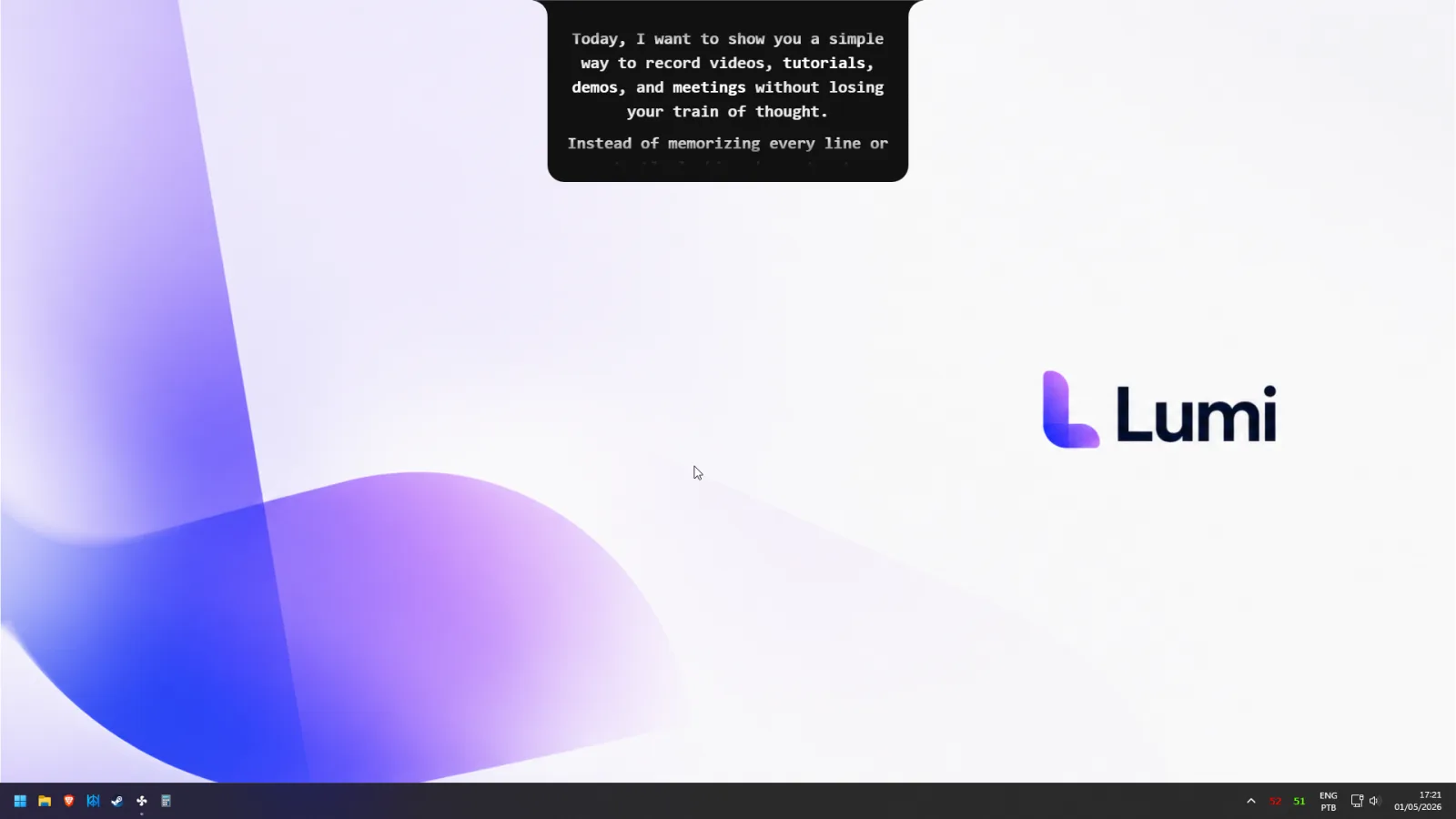
Most teleprompter software treats Windows as an afterthought. Lumi is a native app for Windows 10 and 11 — voice-following scroll, built-in recorder, and a script that stays hidden on Zoom, Meet, and Teams.
One-time payment · or $9/mo subscription · macOS, Windows & Web
Windows users get the short end of the teleprompter market
Search for teleprompter software for Windows and you'll notice a pattern: the polished apps are built for iPhone, iPad, and Mac first. As of July 2026, PromptSmart — the app that pioneered voice-tracking — simply doesn't exist on Windows. Teleprompter.com only reaches Windows users through the browser. Speakflow is web-only by design. If you work on a PC, you're usually left choosing between a browser tab that dies with your connection or a legacy scroll-on-a-timer utility from another decade.
That's a strange gap, because the people who most need a desktop teleprompter for Windows — consultants on Teams calls, course creators recording on a PC, marketers cutting demo videos — live on this platform all day.
What Lumi does differently on a PC
Lumi treats Windows as a first-class platform. It's an installable app for Windows 10 and newer, and everything runs locally on your machine:
- FlowPrompt™ voice-following scroll. The script scrolls as you speak and pauses when you stop — the feature Windows users previously had to switch platforms to get.
- A teleprompter overlay for Windows that sits at camera height. Position your script directly under your webcam so your eyes stay on the lens, not on a second monitor.
- Meeting Mode. On Zoom, Google Meet, and Microsoft Teams, your script is invisible in screen shares and recordings. Present from your PC with your notes in plain sight — yours only.
- A built-in video recorder. Lumi doubles as a video teleprompter for PC: record your take in the same app that prompts you, no separate camera software required.
- Offline and private. Scripts never leave your PC and the app works without an internet connection.
How Lumi compares on Windows
| Lumi | Teleprompter.com | PromptSmart | Vodium | |
|---|---|---|---|---|
| Native Windows app | Windows 10+ | Browser only on Windows | No Windows version | Yes |
| Script follows your voice | FlowPrompt | VoiceGlide, paid | VoiceTrack | Not advertised |
| Invisible on screen share | Zoom, Meet, Teams | No | No | Not guaranteed |
| Built-in video recorder | Yes | Yes | Yes | Meetings only |
| Works offline on PC | Yes | Web app needs a connection | N/A on Windows | Yes |
| Lifetime option | $27 | $7.50–$50/mo | ≈$9.99/mo | $15/mo or $150/yr |
Competitor details reflect public information as of July 2026 and may change. The takeaway stands, though: on Windows, most of the category either runs in a browser tab or skips voice-following entirely — Lumi ships both, natively.
Setting up your Windows teleprompter
- 1
Download and install Lumi for Windows
Grab the installer for Windows 10 or 11 and sign in. Your purchase unlocks everything — FlowPrompt, the recorder, and Meeting Mode.
- 2
Add a script and place it under your webcam
Paste your script or bullet points, then drag the prompter to sit just below your laptop's camera. Adjust font size until you can read it at a glance.
- 3
Record — or join your Teams call
Hit record for videos, or open Zoom, Meet, or Teams with Meeting Mode on. Speak normally: the script scrolls with your voice and stays off the shared screen.
Working on a locked-down corporate PC where you can't install software? The web version at app.getlumi.pro runs in your browser as a fallback — same account, no installation.
Frequently asked questions
Does Lumi work on Windows 11?+
Can I use it on a laptop, or do I need a desktop PC?+
Does it work with the Microsoft Teams desktop app?+
What are the system requirements?+
Does the script really scroll by itself while I talk?+
How much does Lumi for Windows cost?+
Your PC deserves a real teleprompter
Get Lumi on Windows 10 or 11 — voice-following scroll, built-in recorder, and notes that never show up on a Teams share.
One-time payment, yours forever · or $9/mo subscription